Free for iPhone.
Apps that distract you stay locked until you’ve done your good habit.
For example, Instagram and TikTok stay locked until you’ve exercised.
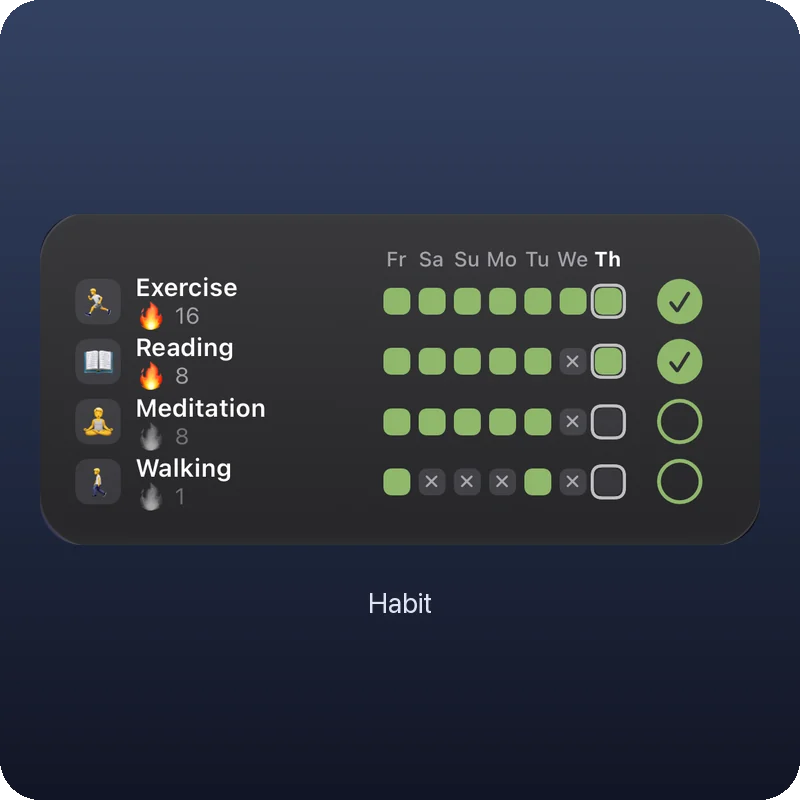
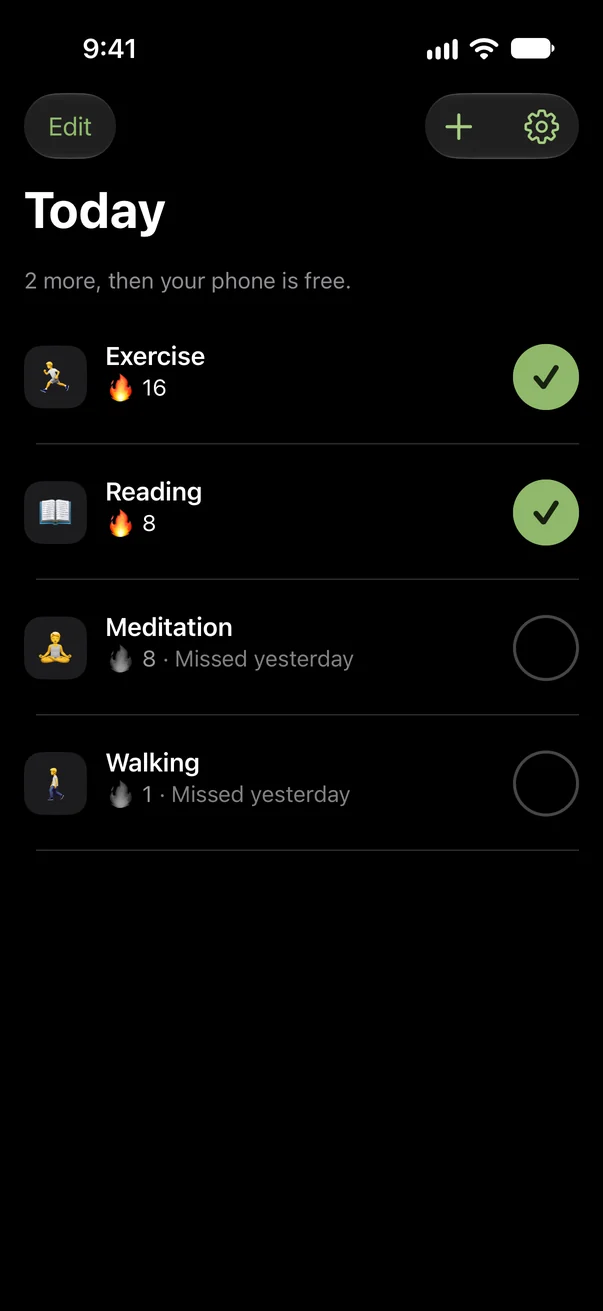
That’s how simple it is.
Pick your apps
Choose the apps that distract you the most and that you want locked until you’ve done your good habit. All your other apps work as usual.
Pick a good habit
Something good you want to do every day. Like exercise, reading or a walk.
Check it off
Done? Tap the check mark. Your apps are unlocked and you can open them again.
Set it up once, then just check it off.
What it does for you.
Your good habit, every day.
Want your phone? Then you do your good habit first. No forcing yourself.
No time limit to tap away.
Your apps only open once your good habit is done. After that, use your phone like always.
Scroll without guilt.
When your apps are open, you’ve already done the good part.
Free.
No subscription and no ads. The widget is free too.
Your data stays with you.
The app locks with Apple’s Screen Time, right on your iPhone. No sign-up, and the app never goes online.

Habit first. Then your phone.
Coming to the App StoreFree. No sign-up.